The 20 questions ask you to think about your customers, your services and what makes you different. Some answers come quickly. Others are better after you've looked something up, asked a team member or slept on it. That's why you can save your progress and finish later.
How saving works
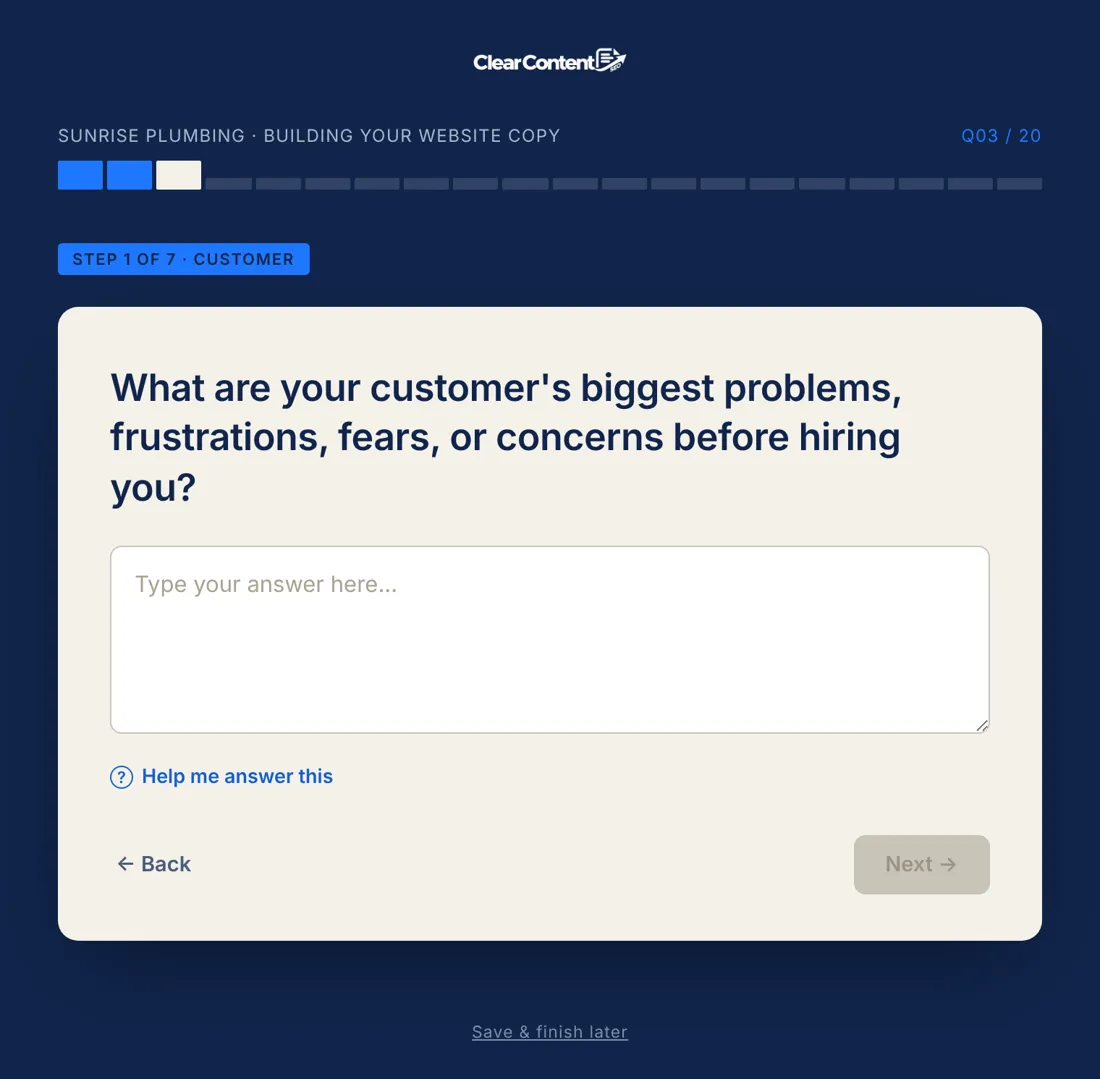
As you move through the form, your progress is saved in your browser, so if you close the tab and come back on the same device, you'll usually pick up where you left off.
To continue on a different device, or to be safe, use Save & Finish Later. Enter your email and we'll send you a link to pick up exactly where you left off. Open the link on your phone, tablet or computer and your answers will be there.
How long are saved answers kept?
Saved drafts are kept for 30 days. If you haven't finished by then, you may need to start again. Our privacy policy explains how we handle your information, including saved drafts.
Why taking your time helps
The quality of your copy depends on the specifics you give us. Some of the most valuable details take a moment to gather:
- Numbers: years in business, jobs completed, number of reviews, response times.
- Credentials: exact license types, certifications, memberships.
- Stories: a project you're proud of, a customer you helped.
- Customer words: compliments people give you, questions they ask.
- Locations: the towns you most want customers from.
It's often worth saving after the first section, then collecting these details before you continue.
Things to have handy
- A list of your services and which one matters most.
- Your licenses, certifications and insurance details.
- A few of your best reviews or customer messages.
- The towns and neighborhoods you serve.
- A sense of how you want to sound: three to five words.
Your progress is saved. Pick up where you left off from any device.
Ask your team
If you have employees, the people who answer the phone or work on jobs often know things you don't: the questions customers ask, the compliments they hear, the worries people mention. Save your progress, ask a couple of people, and add what they say.
If you don't finish
Once you've entered your email, we may send you a few follow-up emails if you don't finish, such as a reminder with a link back to where you left off, and occasionally a special offer. Every email has an unsubscribe link, and our privacy policy explains how this works.
Tips for when you come back
- Re-read your earlier answers. You may think of something to add.
- Be specific. Replace "great service" with what you actually do differently.
- Use "Help me answer this" on any question where you're stuck.
- Don't polish. Write the way you'd talk. We handle the writing.
Is my information safe?
Your answers are stored securely and used to write your copy. They're not sold. Details are in our privacy policy.
If your link doesn't work
Check that you're opening the most recent email we sent, and that it hasn't been more than 30 days. If you still can't get back in, contact us through the support page with the email address you used, and we'll help.
A pace that works for most people
Many owners find it easiest to split the form into two or three short sessions:
- Session one: choose your industry, enter your business details and answer the Customer questions. These come straight from your experience.
- Session two: Outcome and Proof. Gather your credentials, numbers and a story or two before you start.
- Session three: Process, Voice, SEO and Action, then choose your pages and check out.
Splitting it up keeps your answers fresh and gives you time to collect the details that make the biggest difference to your copy. There's no penalty for taking a few days, as long as you finish within 30 days.
FAQ
Can I save my answers and finish later?
Yes. Use Save & Finish Later and we'll email you a link to pick up exactly where you left off, on any device.
How long are saved answers kept?
Saved drafts are kept for 30 days.
Will I lose my answers if I close the tab?
On the same device and browser, your progress is usually still there. To be safe, or to switch devices, use Save & Finish Later.